
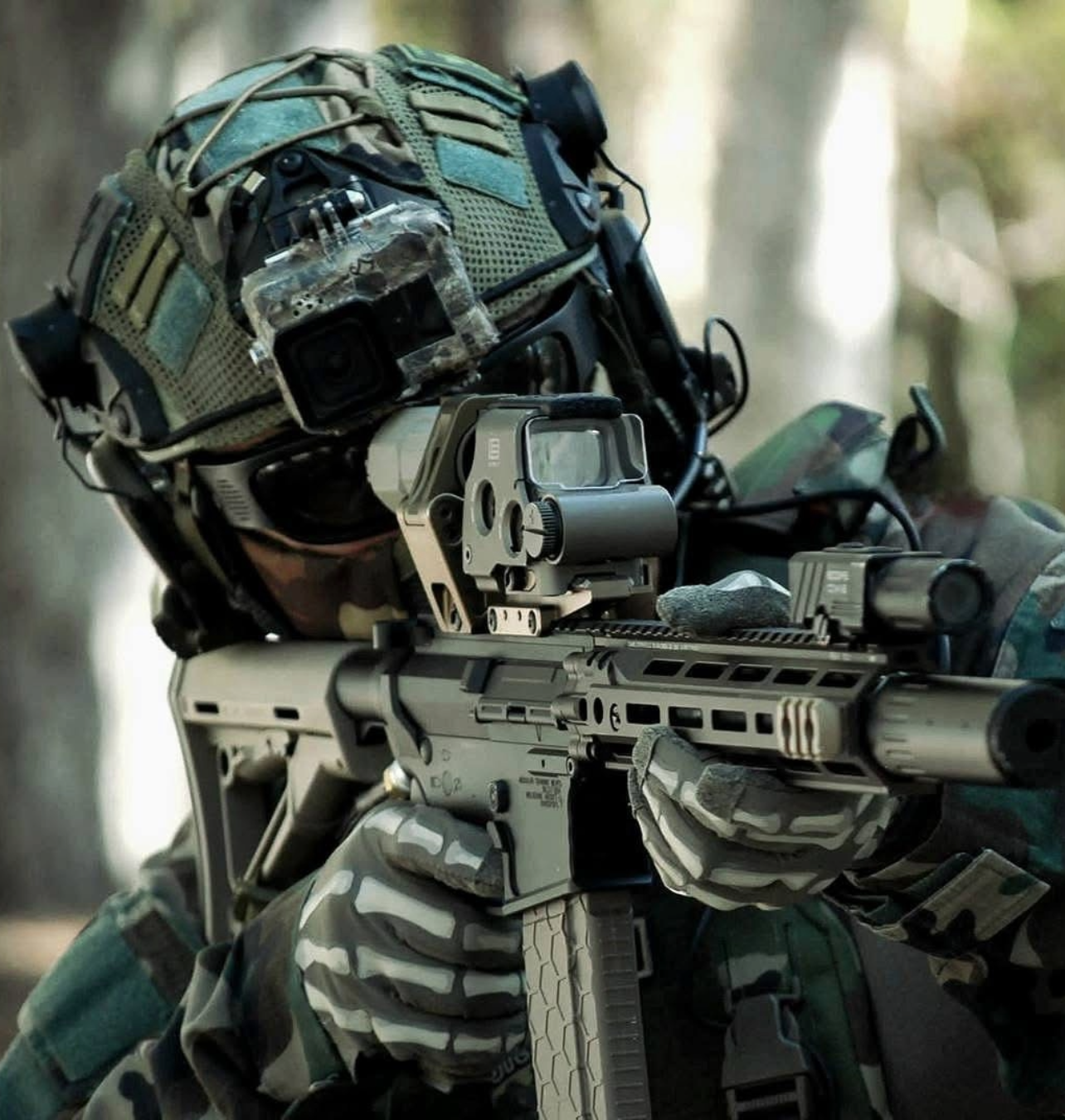
Air Raiders (AR-G2)
Getting the Perfect Fit
Air Raiders are designed for a secure, performance fit. Some users may find the initial fit snug depending on face shape, head size, and preference.
Finding your Air Raiders a little snug?
Frame fit can make a big difference in comfort, and we're here to help. Get in touch with our team at help@trittech.com and we'll guide you through a personalized solution.
Want a much slimmer fit? Remove the full seal foam gasket.
Powering On & Off
Hold to power ON (1 audible beep) unless powering into mode 4 (High)
Hold to power OFF (2 audible beeps)
Note: Mode 4 (High) beeps 3 times — whether powering on or cycling through — so you always know when you've reached the highest standard setting. When powering on, the device will return to the last fan mode used.
💡 Pro Tip
Turn the fans on early. Preventing fog is far easier than clearing it once it builds up.
Understanding Fan Modes
👆 Single button click cycles through fan modes 1–4.
Ultra Low
Nearly inaudible operation with minimal airflow for mild conditions.
Low
Quiet, balanced airflow for casual use and light activity.
Medium
Increased airflow for more active sessions and moderate conditions.
High (3 audible beeps)
Strong airflow for heavy fog and demanding environments.
Turbo Mode (triple click button fast)
30 second power boost to help clear developing fog. Can be activated from any mode.
Need super high airflow? Triple click fast for Turbo, then double click for Turbo
Lock. This locks the fans into overdrive.
Note: Turbo mode can be activated from any mode (1-4)